
ZDK PDF
All your documents in one app. Offline, no ads, no account.
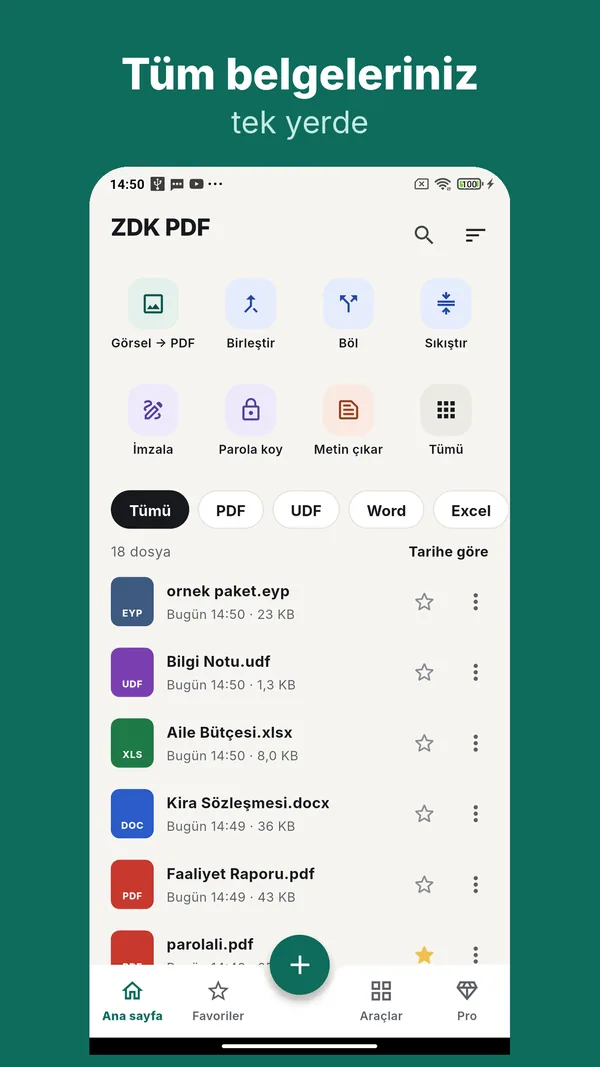
ZDK PDF opens PDF, Word, Excel, UDF and many more document types on your phone, with no internet needed. Reading is always free. You can try each of more than 25 tools once for free — merge, split, scan, extract text, sign, edit Word and Excel and more — and unlock them all with a one-time payment.
Your documents never leave your phone
ZDK PDF never uploads your files to any server. Opening, converting, scanning and text extraction all happen on your device. The app does not ask for storage permission; files arrive through the system file picker, "Open with" or "Share". There are no ads, no tracking and no account. The internet is used only when you buy Pro.
All your documents in one app
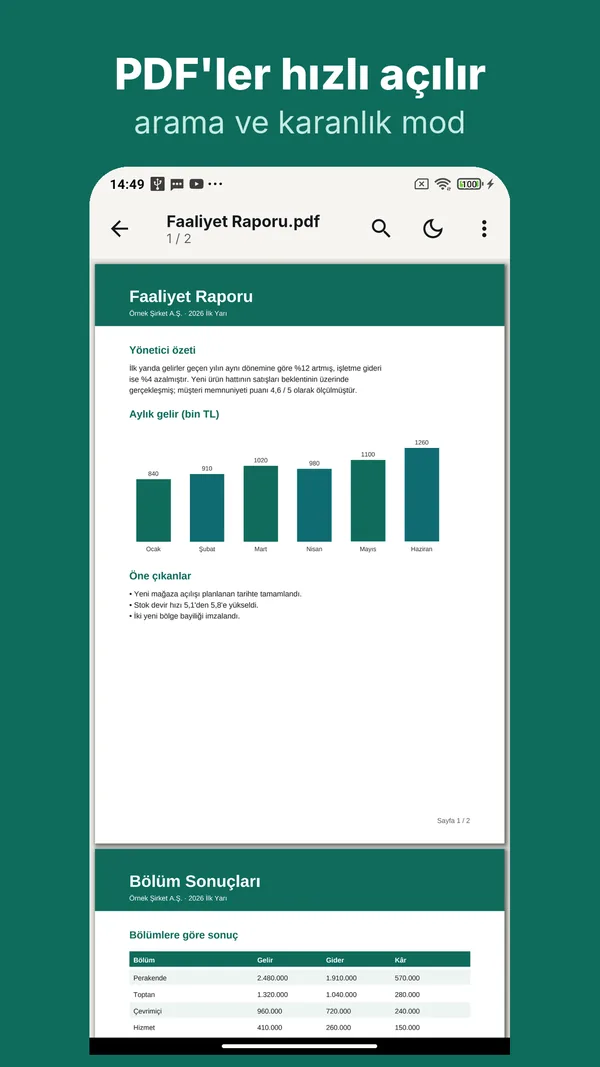
- PDF: fast opening, text search, dark mode, password-protected files
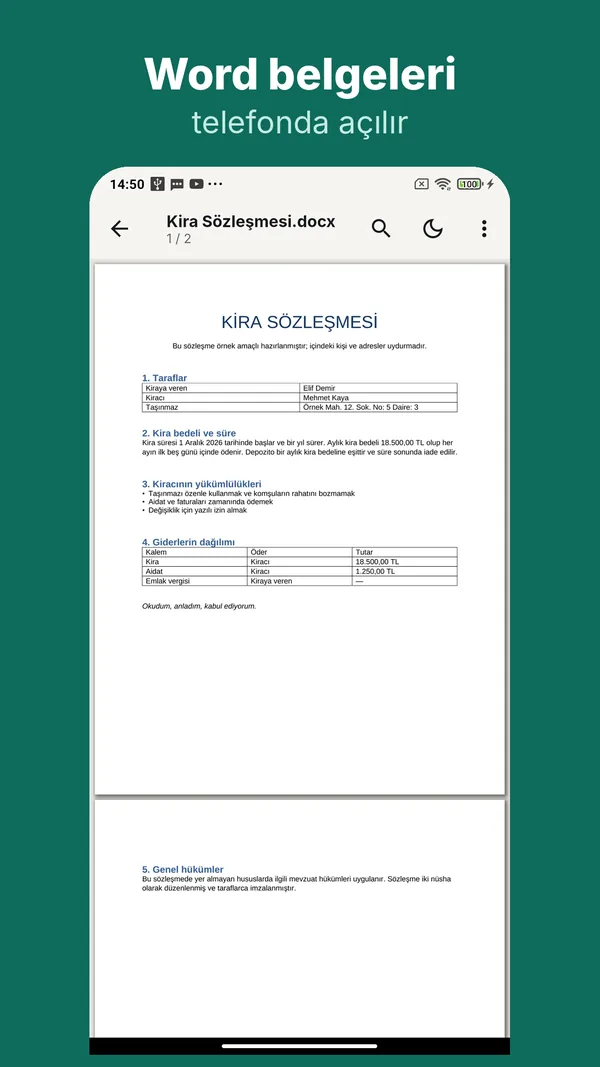
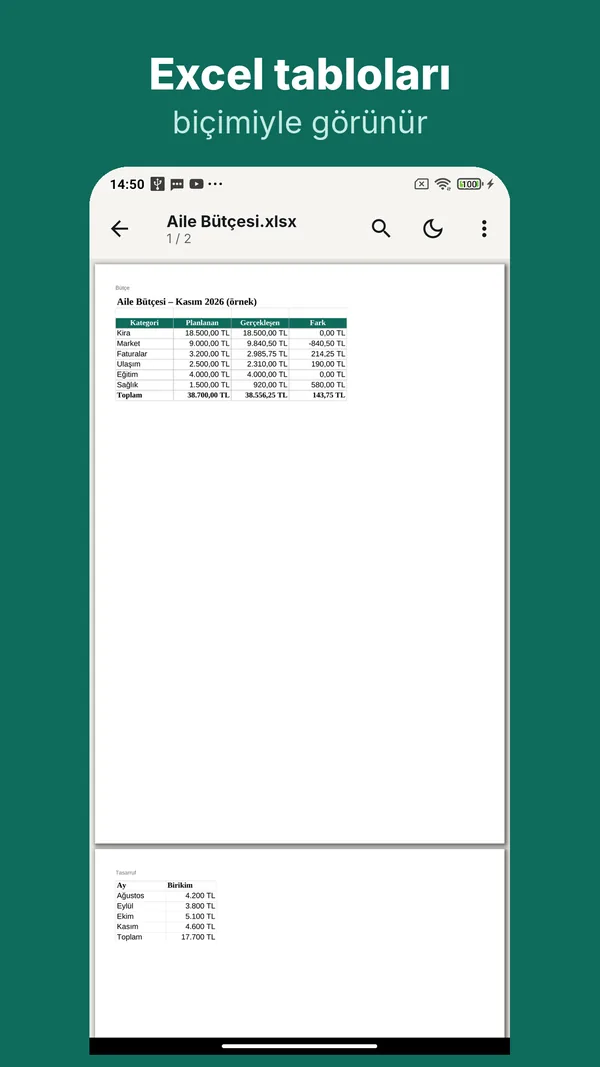
- Word (DOCX) and Excel (XLSX)
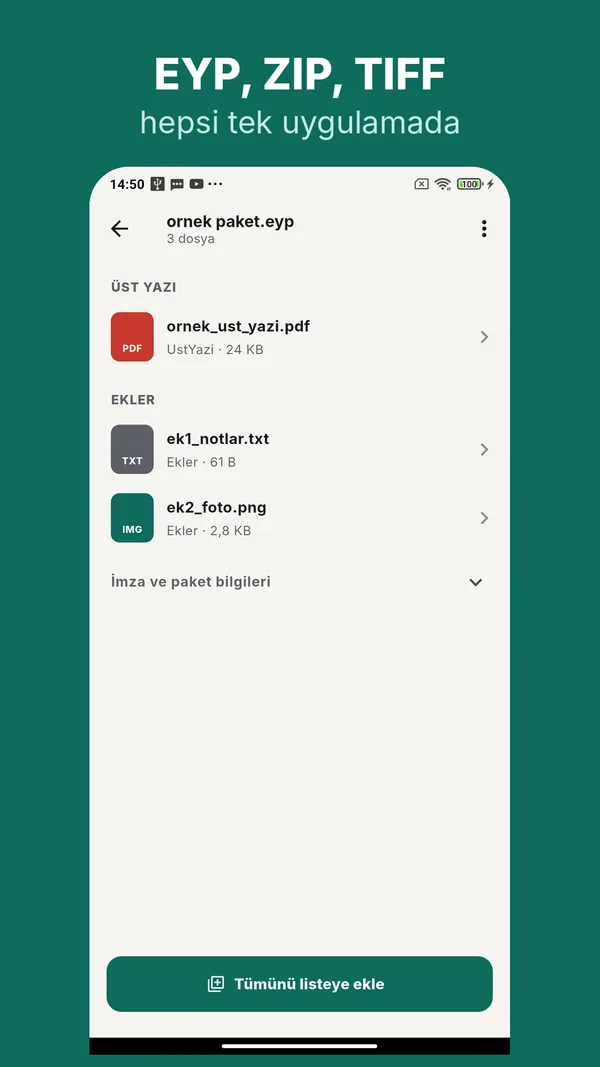
- UDF and EYP: file types used for court and institutional correspondence in Türkiye
- ZIP archives (content list, open items one by one), multi-page TIFF, HTML, TXT
- Images: JPG, PNG, GIF, WEBP, BMP, HEIC, AVIF (HEIC and AVIF support depends on your phone's Android version)
UDF, Word, Excel and TIFF files are converted to PDF on your phone for viewing; you can share, save or print the same file as PDF.
Reading
- Text search and password-protected PDFs
- Dark mode: pages darken while photos keep their real colours
- Read aloud with your phone's own text-to-speech engine, with speed and language options
- Highlight and notes: select text to highlight (3 colours) or add a note; they are saved as real PDF annotations and show in other PDF readers too
Tools
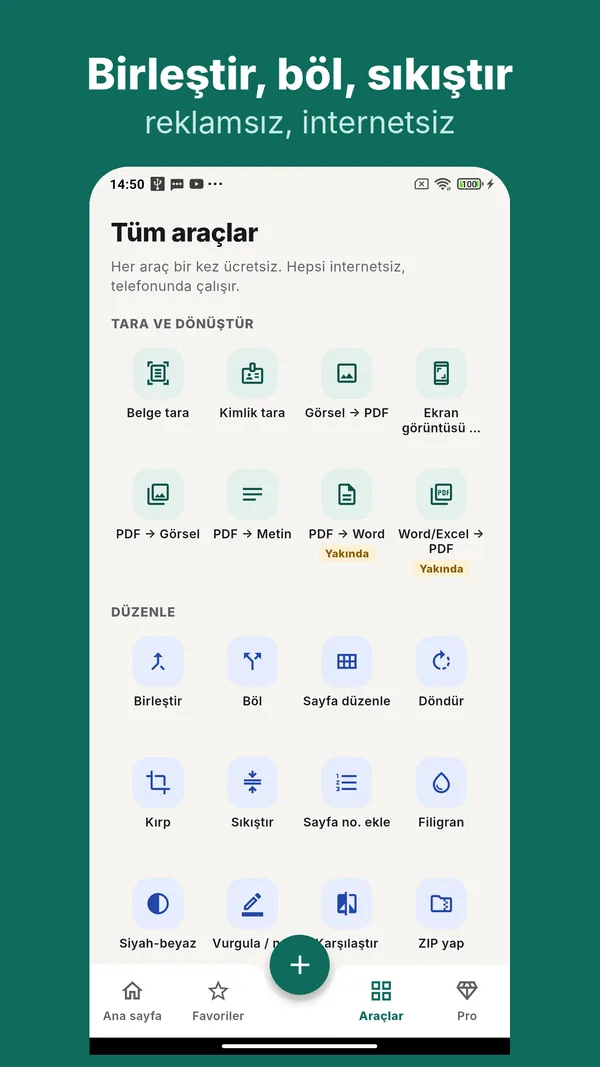
Scan and convert
- Scan: create PDFs with the camera using Google's on-device document scanner
- ID scan: put both sides of an ID card on one page
- Receipt / invoice scan: scan, read the text (OCR) and save
- Images to PDF and screenshots to PDF
- PDF to images and PDF to text
- Word / Excel to PDF
Edit
- Mixed merge: combine PDF, Word, Excel, UDF, TIFF and images into one PDF
- Split (every page or a page range), edit pages (reorder, rotate, delete), rotate all
- Crop, compress, black & white / grayscale
- Page numbers and watermark
- Highlight / note
- Edit Word and Excel: change paragraph text in Word; type a value or formula into Excel cells. Formatting is kept, the original file stays untouched and an edited copy is saved
- Compare documents: compares two versions page by page and shows differences in a red-marked report
- Zip
Sign and protect
- Sign: draw your signature with your finger and place it on a page; it is stored only on your phone
- Fill form / add text
- Add / remove password
- Redact: the text you hide is really removed, not just covered
Text and organise
- Extract text (OCR): Latin, Japanese, Devanagari, Cyrillic (Russian) and Arabic scripts; save as TXT, copy or share
- Batch rename
Batch processing
Select several files and apply the same tool to all of them — for example compress 40 images or convert a folder of Word files to PDF. Take the results one by one or bundle them in a ZIP. Batch processing is part of Pro.
Edit Word and Excel files on your phone without breaking them
- Word (.docx): change, insert or delete paragraph text.
- Excel (.xlsx): type a value, number or formula into a cell; formulas are recalculated when the file opens.
- Only what you touch changes; styles, tables, pictures and everything else stay exactly as they were.
- Your original is never overwritten: a copy marked "(edited)" is saved. You get a warning if you leave without saving.
- Everything happens on your phone.
Price
Viewing, printing and read aloud are always free. Each of the 25+ tools can be tried once for free. After that, Pro is a one-time payment: no subscription, no ads, no account. You can restore your purchase.
Languages
English, Turkish, German, French, Spanish, Brazilian Portuguese, Italian, Indonesian, Arabic, Russian, Hindi and Japanese. The app follows your phone's language and falls back to English.
Good to know
- Word and Excel files are shown by converting them to PDF; headers and footers, footnotes, floating layouts, charts and equations may not appear. Very large Excel sheets are truncated.
- Editing limits: in Word only body paragraphs are editable (not headers, footers, footnotes or text boxes), and an edited paragraph takes the formatting of its first text run. In Excel you can edit cells and add rows and columns; inserting or deleting rows/columns in the middle and editing shared/array-formula cells are not supported.
- Redact, grayscale and compare turn the affected pages into images, so text on those pages can no longer be selected.
- DOC, XLS and PPT are not supported yet.
- HEIC/AVIF support depends on your phone's Android version.
FAQ
Are my files uploaded to a server?
No. Everything is processed on your phone.
Do I need internet?
No. Only to buy Pro.
Do I need an account?
No.
Are there ads or tracking?
No.
Which file types does it open?
PDF, Word (DOCX), Excel (XLSX), UDF, EYP, ZIP, TIFF, HTML, TXT and JPG, PNG, GIF, WEBP, BMP, HEIC, AVIF images.
What is free?
Opening, reading, printing and read aloud. Each of the 25+ tools can be tried once; after that, one-time Pro is needed.
Can I edit my Word or Excel file?
Yes. Edit paragraph text in Word and cell values and formulas in Excel. The original stays unchanged and an edited copy is saved.
Can I apply one action to many files?
Yes, with batch processing; you can also get the results as a ZIP.
Does Redact really remove the text?
Yes. The page is turned into an image and the hidden text is removed from the file, not just covered.
Is there a subscription?
No. Pro is a one-time payment.
I changed phones. What about my purchase?
Use "Restore purchase" on the Pro screen in the app.
How do I request data deletion?
Email zdksoftware@gmail.com; details are in the privacy policy.
Privacy policy · GDPR / KVKK notice · Data deletion request · zdksoftware@gmail.com